Wireless CarPlay and Android Auto 2026: Is Cutting the Cable Worth It?
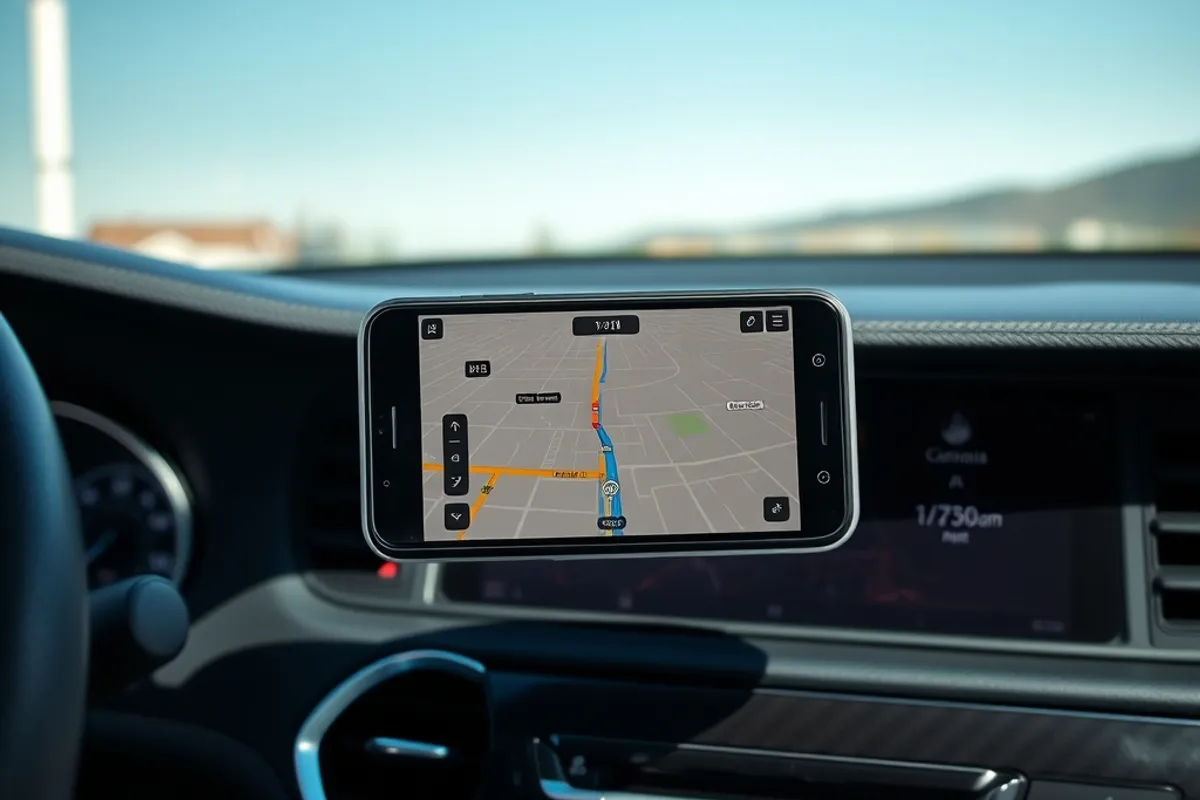
CarPlay and Android Auto have quietly become the most important screens in most cars, replacing clunky built-in navigation with the maps and messages we already use. The only real question in 2026 is whether to run them wirelessly or keep the cable, and whether an older car can join in at all. We spent a month using both connection types across several vehicles to see where wireless wins and where it still frustrates.
How we tested both connections
We ran wired and wireless CarPlay and Android Auto through the same daily routine: short errands, hour-long commutes and multi-hour highway trips, logging connection dropouts, reconnection time, audio quality, call clarity and phone battery behaviour. We tested built-in systems and a reputable aftermarket adapter, and used the same phone and same apps for each run. Our priority was reliability, because a navigation app that drops mid-junction is worse than no app at all.
Wireless: convenience with caveats
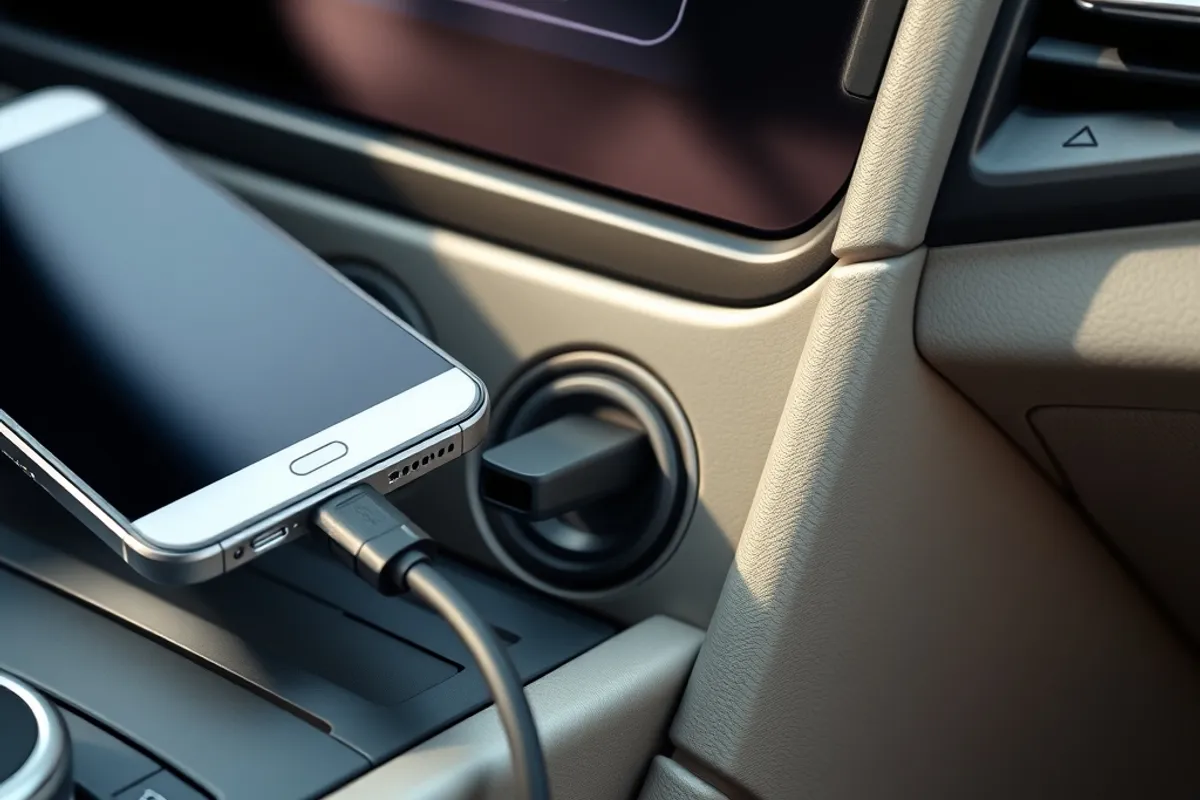
Once paired, wireless connection is genuinely nicer. You get in, the phone stays in your pocket or bag, and the map appears before you leave the driveway. For short trips that is the whole point, and it reduces the temptation to fiddle with a cable in traffic. The caveats are real, though: audio can lag slightly behind the video, the phone battery drains faster because it is running the screen and radio, and connections occasionally drop in areas with heavy wireless congestion. In our testing, most dropouts happened at the same few congested junctions.
Wired: still the reliable choice
A cable is duller but dependable. The connection starts as soon as you plug in, audio stays in sync, and the phone charges while it runs, which means you arrive with a full battery and no heat worries beyond the usual. In our month of testing, wired connections never dropped. The downsides are the cable itself, port wear over time and the small annoyance of plugging and unplugging. If you travel long distances, use navigation constantly or value zero drama, wired remains the better choice, especially for older phones.
Battery, heat and long trips
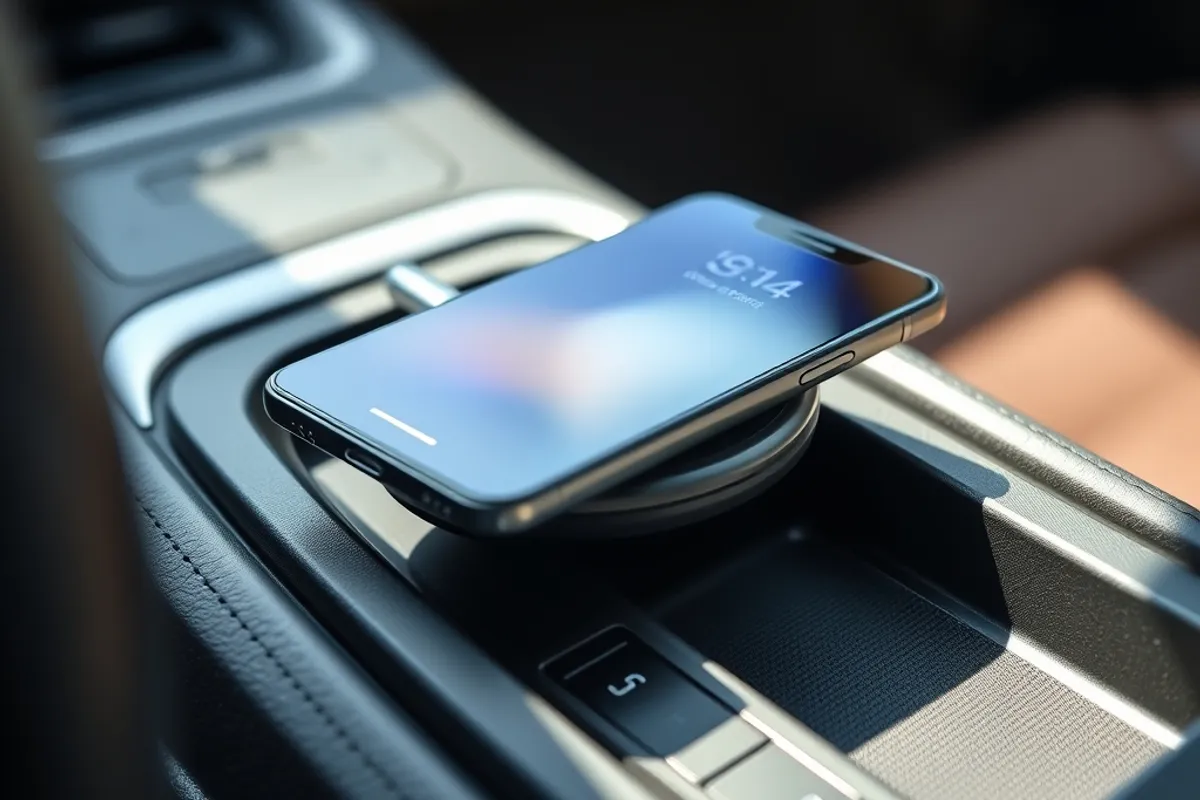
Wireless convenience has a hidden cost: running maps and streaming audio over the air, with the screen active, drains a phone quickly. On a two-hour drive we saw a noticeable battery fall on wireless, while the wired phone ended the trip fully charged. Some phones also warm up on a wireless charging pad while running maps, which can slow charging or trigger thermal throttling. For long trips, a cable is the simplest answer, and it keeps the phone cool and topped up for use when you arrive.
"Wireless is freedom for the ten-minute trip. Wired is reliability for the ten-hour one. Most drivers want both in the same car."
Audio quality and calls
Wired connections can carry higher-quality audio with fewer interruptions, which matters if you care about sound, though the difference is small on typical car speakers. Wireless calls were clear in our tests, but a marginal cellular signal plus a wireless link occasionally produced a half-second delay that made conversation feel odd. Wired calls behaved like a normal phone call. If you take a lot of calls on the move, the cable earns its keep. Voice control through the steering-wheel button worked well in both modes, and it is the safest way to handle messages hands-free.
Adding CarPlay or Android Auto to an older car
If your car lacks these systems, you have three routes: a factory upgrade if the maker supports it, an aftermarket head unit with the feature built in, or a USB or wireless adapter that translates the car's existing screen. A quality aftermarket head unit is the most reliable and often the cheapest overall, and it can add a better reversing camera at the same time. Adapters vary widely in quality, so read reviews about dropout behaviour before buying. Either way, install it properly and route cables so nothing interferes with pedals or airbags.
Using them safely
The systems are far less distracting than a phone in your hand, but they are not distraction-free. Set your destination, playlist and podcast before you move, use voice commands rather than typing, and keep menu dips short. Mounts and cable routing matter: a loose cable near the pedals is a genuine hazard, and a screen that blocks your view is worse than no screen. Treat the display as a tool for navigation and audio, not as a place to browse, and your attention stays where the road needs it.
The bottom line
Choose wireless for short trips and the tidy freedom of no cable, and keep a cable in the car for long journeys where reliability and charging win. If your older car lacks both, an aftermarket head unit is the most dependable way in. For related advice, read our guide to driver-assist features and the Vehicle Technology section.